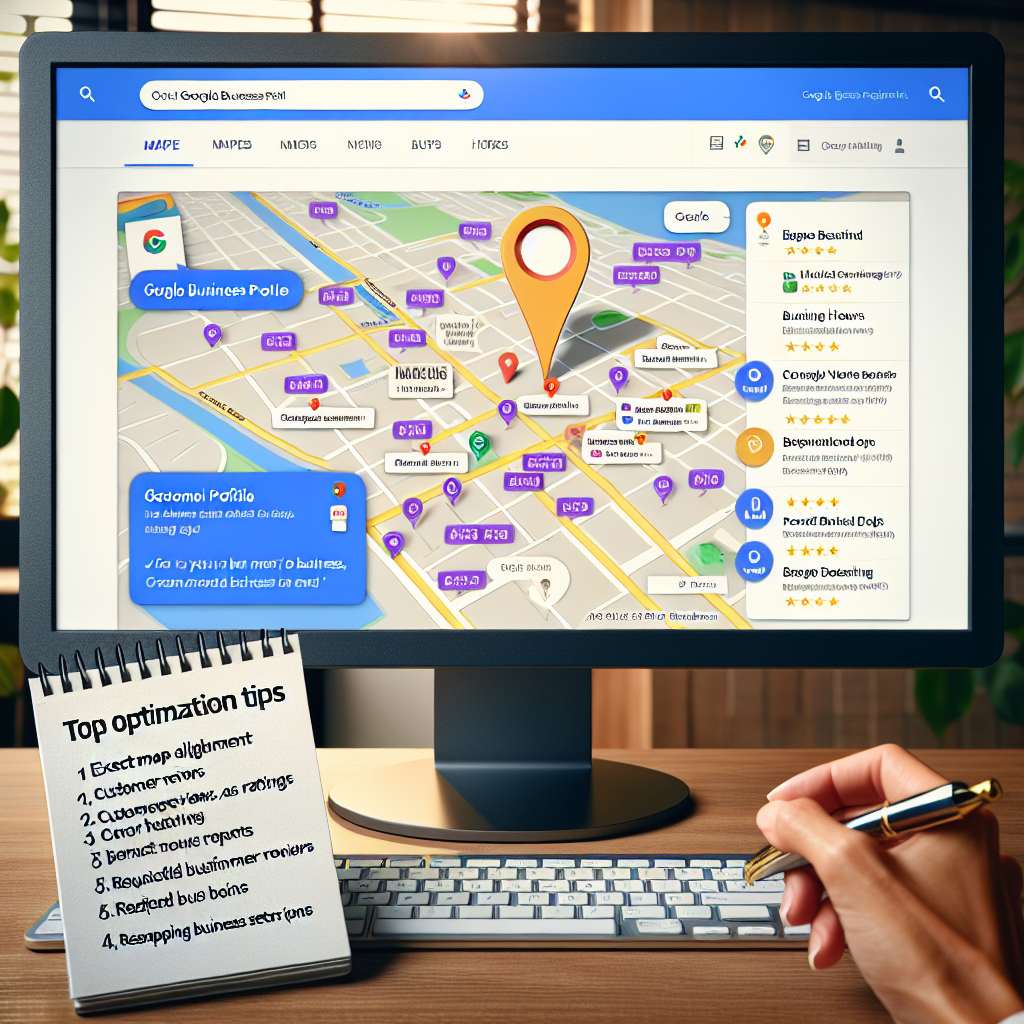
Google Business Profile Optimization: Must-Have Tips for Top Google Maps Ranking
- Why Google Business Profile Optimization Matters
- Key Components of a Strong Local Business Google Profile
- 1. Complete and Accurate Business Information
- 2. Select the Right Business Categories
- 3. Upload High-Quality Photos and Videos
- How to Optimize Google Maps Listing for Better Local SEO
- 4. Encourage and Manage Customer Reviews
- 5. Use Keywords Strategically in Business Description
- 6. Keep Your Profile Updated
- Advanced Tips to Improve Google Maps Ranking
- 7. Leverage Google Posts
- 8. Build Local Citations and Backlinks
- 9. Use a Local Phone Number and Address
- 10. Monitor and Analyze Your Performance
- Conclusion
Google Business Profile Optimization: Must-Have Tips for Top Google Maps Ranking
In today’s digital age, a strong online presence is essential for local businesses seeking to attract new customers. One of the most powerful tools at your disposal is your Google Business Profile — formerly known as Google My Business. Optimizing this profile is crucial for improving your visibility on Google Maps and local search results, ultimately driving more foot traffic and sales.
Whether you’re just starting out or looking to boost your current profile, understanding the fundamentals of Google Business Profile optimization can significantly impact your local SEO success. Here, we’ll explore practical strategies you can use to optimize Google Maps listing and improve your Google Maps ranking.
—
Why Google Business Profile Optimization Matters
Google Business Profile optimization ensures that your local business appears prominently when potential customers search for relevant products or services in your area. A well-optimized profile not only appears in local pack results but also enhances your overall visibility on Google Maps.
When shoppers look for nearby options, they typically turn to Google Maps for quick, user-friendly directions, reviews, and business information. Therefore, maintaining an accurate and engaging profile can be the difference between a new customer walking through your door or scrolling past your competitors.
—
Key Components of a Strong Local Business Google Profile
1. Complete and Accurate Business Information
The foundation of Google My Business for local SEO is providing detailed, correct information. Ensure your:
– Business name
– Address
– Phone number
– Website URL
– Business hours
– Services or product categories
Consistency across all online platforms reinforces trust and helps Google categorize your business correctly.
2. Select the Right Business Categories
Choosing the most relevant categories helps Google associate your business with appropriate searches. Be specific rather than broad — for example, select “Italian Restaurant” instead of just “Restaurant,” if applicable.
3. Upload High-Quality Photos and Videos
Visual content catches the eye and helps customers decide whether they want to visit. Include:
– Exterior shots of your business
– Interior photos
– Photos of your team and products/services
Regularly updating your media signals activity and engagement to Google.
—
How to Optimize Google Maps Listing for Better Local SEO
4. Encourage and Manage Customer Reviews
Reviews significantly influence your local search ranking and consumer trust. Positive reviews act as social proof, and responding to reviews shows you value customer feedback. Aim for a steady stream of genuine reviews from satisfied customers.
5. Use Keywords Strategically in Business Description
While keyword stuffing is discouraged, naturally incorporating relevant keywords into your business description can improve your relevance in searches. Focus on terms your customers might use when searching for your services.
6. Keep Your Profile Updated
Any changes to your business — new hours, additional services, contact information — should be reflected immediately. An active profile signals to Google that your business is current and engaged.
—
Advanced Tips to Improve Google Maps Ranking
7. Leverage Google Posts
Regularly update your profile with Google Posts showcasing promotions, events, or new products. These updates appear directly on your profile and can enhance visibility and user engagement.
8. Build Local Citations and Backlinks
Ensure your business is listed consistently across relevant directories and local listings. Backlinks from reputable sites improve your local SEO authority and help in ranking higher.
9. Use a Local Phone Number and Address
Google favors businesses with consistent and localized information. Using a local phone number and address in your profile can boost your relevance in local searches.
10. Monitor and Analyze Your Performance
Use the insights provided by your Google Business Dashboard to track how customers find and interact with your profile. Utilize this data to refine your optimization strategies continually.
—
Conclusion
Achieving a top spot in Google Maps ranking involves a combination of thorough Google Business Profile optimization and ongoing engagement. A compelling, accurate, and well-managed profile can significantly improve Google Maps ranking, making your local business more visible to the community. By consistently updating your information, soliciting reviews, and engaging with your audience through Google Posts, you can stay ahead of competitors and attract more local customers.
Investing time and effort into optimizing your Google My Business for local SEO is a critical step towards strengthening your online presence and growing your local business footprint in a competitive digital landscape.