Google Business Profile Optimization: Ultimate Guide for Local SEO Success
- Why is Google Business Profile Optimization Important?
- How to Optimize Your Google Maps Listing
- 1. Claim and Verify Your Google Business Profile
- 2. Fill Out All Business Information Accurately
- 3. Use Targeted Keywords in Your Business Description
- 4. Add High-Quality Photos and Videos
- 5. Encourage and Respond to Reviews
- Strategies to Enhance Local SEO with Your Google Business Profile
- 6. Use Google Posts Regularly
- 7. Optimize for Local Keywords
- 8. Leverage Local Backlinks and Citations
- 9. Utilize Google Q&A Effectively
- Monitoring and Analytics
- Final thoughts
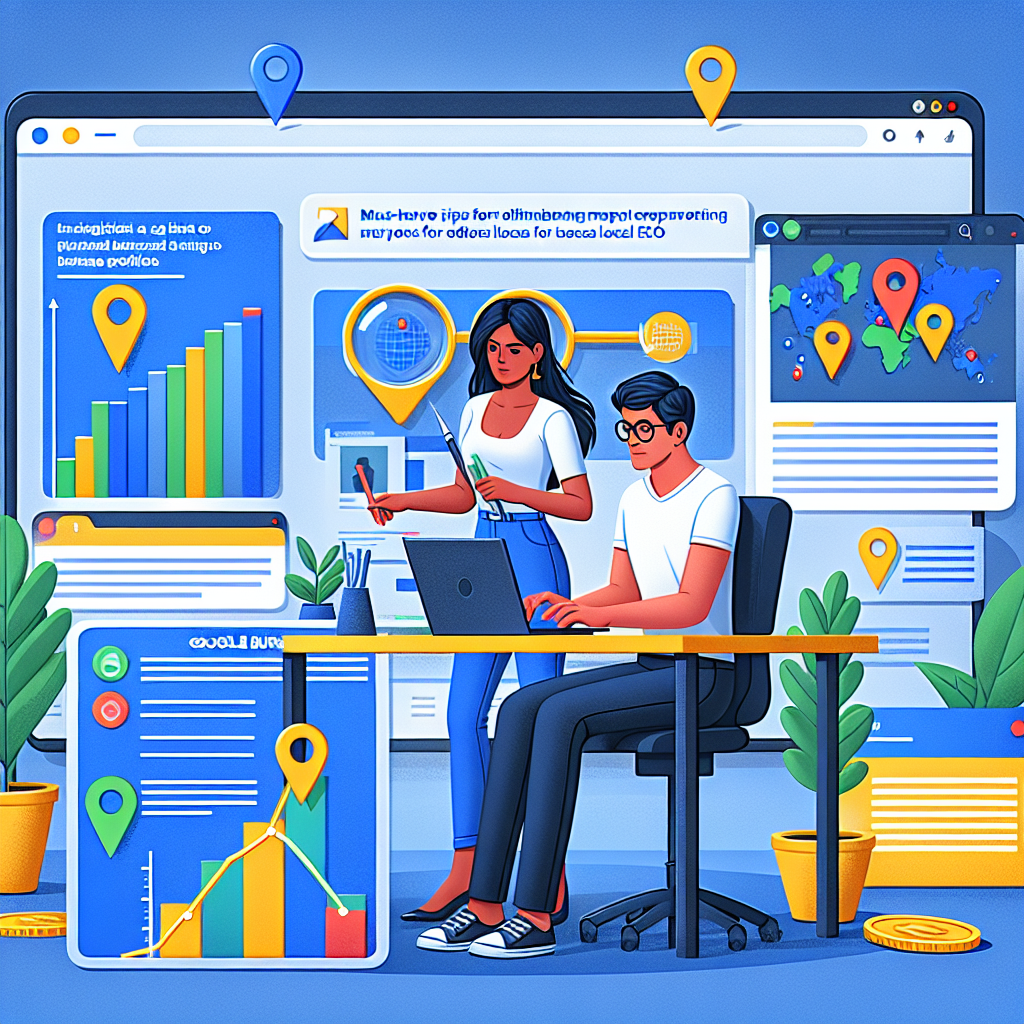
Google Business Profile Optimization: Ultimate Guide for Local SEO Success
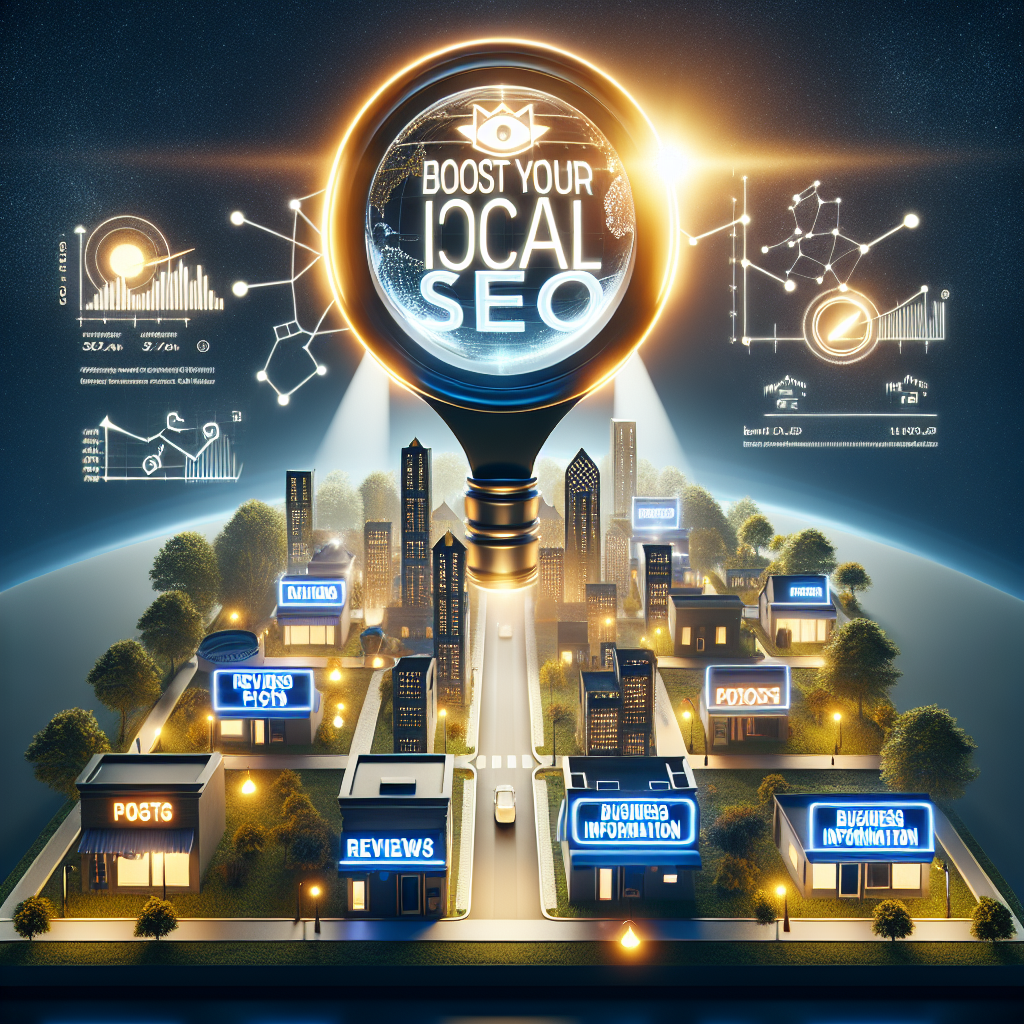
In today’s digital landscape, Google Business Profile optimization has become a crucial strategy for local businesses aiming to increase visibility and attract nearby customers. A well-optimized local business Google profile can significantly enhance your presence in local search results, making it easier for potential clients to find and choose your services. This comprehensive guide will walk you through everything you need to know about optimizing your Google My Business for local SEO, with practical tips to improve your Google Maps listing and climb the local search rankings.
Why is Google Business Profile Optimization Important?
Having a solid online presence is essential for local businesses that rely on foot traffic and nearby customers. When people search for services or products in their area, Google’s local pack and Maps listings often serve as the first point of contact. Enhancing your Google Business Profile can:
– Improve your visibility in local search results
– Increase website visits and phone inquiries
– Drive foot traffic to your physical location
– Build trust with potential customers through reviews and accurate business info
In essence, an optimized Google Maps listing can significantly boost local SEO efforts, leading to increased revenue and brand recognition.
How to Optimize Your Google Maps Listing
Optimizing your Google Maps listing is the foundation of successful local SEO. Here are key steps to ensure your profile is fully optimized:
1. Claim and Verify Your Google Business Profile
The first step is ensuring you have claimed your profile on Google My Business (now integrated into Google Business Profile). Once claimed, verify your business through the provided methods—postcard, phone, email, or instant verification—to confirm your ownership and control over the listing.
2. Fill Out All Business Information Accurately
Complete every section of your profile with precise and current details:
– Business name
– Address (use consistent NAP—Name, Address, Phone number)
– Phone number
– Business hours
– Website URL
– Business categories and attributes (e.g., “Bakery,” “Wheelchair accessible”)
– Business description highlighting your unique value proposition
Consistent and accurate information ensures Google and potential customers trust your profile.
3. Use Targeted Keywords in Your Business Description
Incorporate relevant keywords related to your services or products naturally within your business description. For example, if you’re a bakery in downtown Chicago, include phrases like “best bakery in Chicago” or “fresh bread and pastries.” This helps Google My Business for local SEO to understand your offerings and match your profile with relevant searches.
4. Add High-Quality Photos and Videos
Visual content is pivotal in engaging users. Upload high-resolution images of your storefront, interior, products, and team to create an inviting profile. You can also add videos showcasing your business environment or special events. Rich visuals not only attract more clicks but also improve your Google Maps ranking.
5. Encourage and Respond to Reviews
Customer reviews heavily influence local rankings and consumer trust. Encourage satisfied customers to leave reviews and always respond promptly, whether to thank positive feedback or address negative comments. Good reviews, combined with your overall ratings, contribute significantly to improve Google Maps ranking.
Strategies to Enhance Local SEO with Your Google Business Profile
Beyond basic optimization, implement these strategies to maximize your local SEO success:
6. Use Google Posts Regularly
Google Posts allow you to share updates, special offers, events, or news directly on your profile. Consistent posting keeps your profile active and signals relevance to Google, which can positively impact your local business Google profile‘s visibility.
7. Optimize for Local Keywords
Identify keywords your target audience is searching for and incorporate them into your profile content, including Q&A sections. For example, if your business offers plumbing services in Brooklyn, specify this in your descriptions, services, and FAQs.
8. Leverage Local Backlinks and Citations
Ensure your business information is consistent on other local directories, social platforms, and citation sites. Such backlinks and citations reinforce your location relevance, aiding in improving Google Maps ranking.
9. Utilize Google Q&A Effectively
Monitor and answer questions from potential customers on your profile. Providing helpful and keyword-rich responses improves your profile’s engagement factor and relevance for local searches.
Monitoring and Analytics
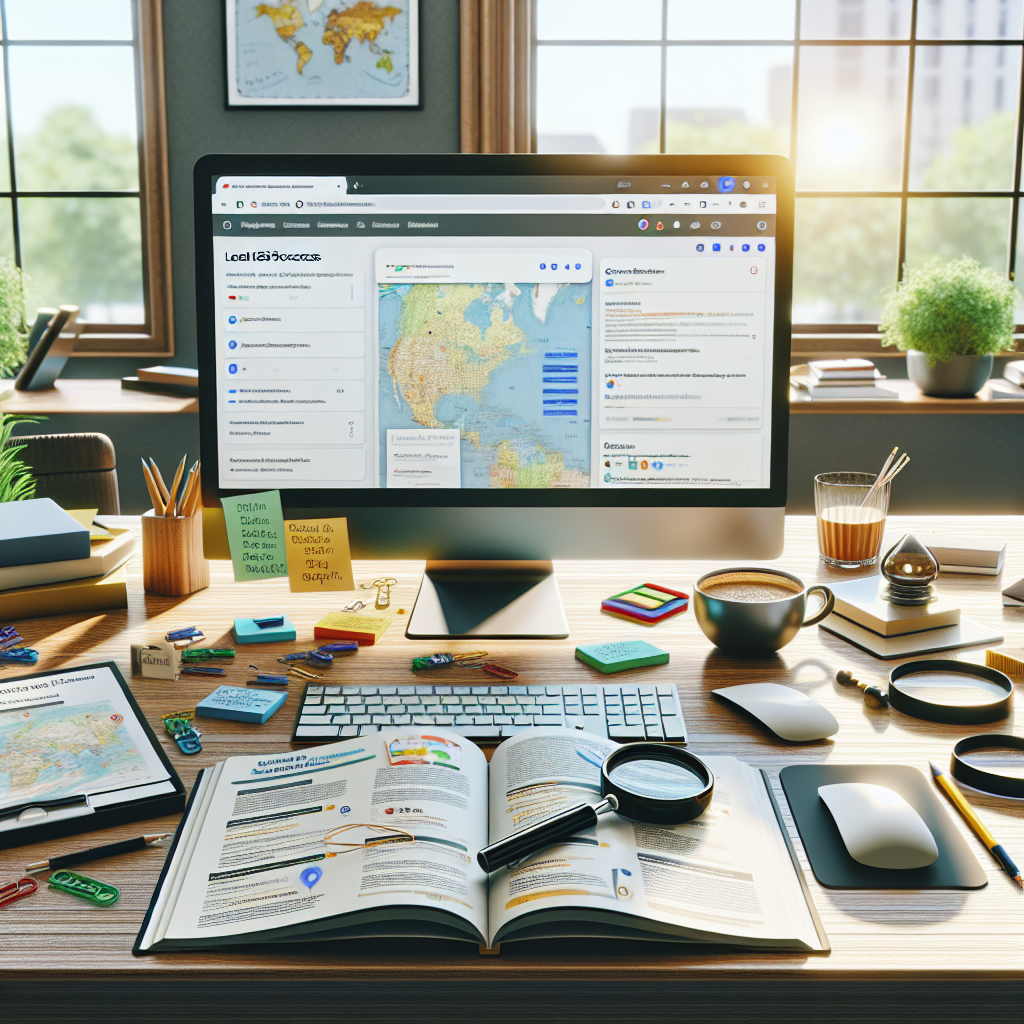
Finally, regularly review your Google Business Profile insights to understand how users are interacting with your listing. Track metrics like how customers find your profile, where they come from, and what actions they take. Use this data to refine your strategies continuously, ensuring ongoing Google Business Profile optimization success.
Final thoughts
Optimizing your Google Business Profile is not a one-time task but an ongoing process. Consistently maintaining and improving your profile can yield significant benefits, including higher visibility, more local customers, and increased revenue. By focusing on key elements such as accurate information, high-quality visuals, and active customer engagement, you can enhance your Google Maps listing, climb the local search rankings, and secure a competitive edge in your community.
Remember, your Google Business Profile is often the first impression potential customers will have of your business. Make it count with strategic optimization and regular updates.