Google Business Profile Optimization: The Ultimate Game-Changer for Local SEO
- Why Is Google Business Profile Optimization Essential for Local SEO?
- Steps to Effectively Use Google My Business for Local SEO
- 1. Claim and Complete Your Profile
- 2. Use a Consistent NAP Across All Platforms
- 3. Incorporate Relevant Keywords
- 4. Upload High-Quality Photos and Videos
- 5. Gather and Respond to Reviews
- 6. Post Regular Updates and Offers
- 7. Use Google Business Profile Insights
- How to Optimize Google Maps Listing and Improve Google Maps Ranking
- The Impact of Optimized Google Business Profiles on Local Search Results
- Final Thoughts: Invest in Your Google Business Profile for Long-Term Success
Google Business Profile Optimization: The Ultimate Game-Changer for Local SEO
In today’s digital landscape, having a robust online presence is critical for local businesses aiming to stand out in their community. Google Business Profile optimization has emerged as a powerhouse tactic that can significantly enhance local SEO efforts. When done correctly, it boosts your online visibility, attracts more local customers, and ultimately grows your business. This article dives deep into why optimizing your Google Business Profile matters and how you can leverage it to improve your Google Maps ranking and dominate your local market.
Why Is Google Business Profile Optimization Essential for Local SEO?
A Google Business Profile (formerly known as Google My Business) is a free tool that allows businesses to manage their online presence across Google, including Search and Maps. Optimizing this profile is more than just filling out basic information; it’s about creating a compelling, accurate, and engaging listing that resonates with local customers.
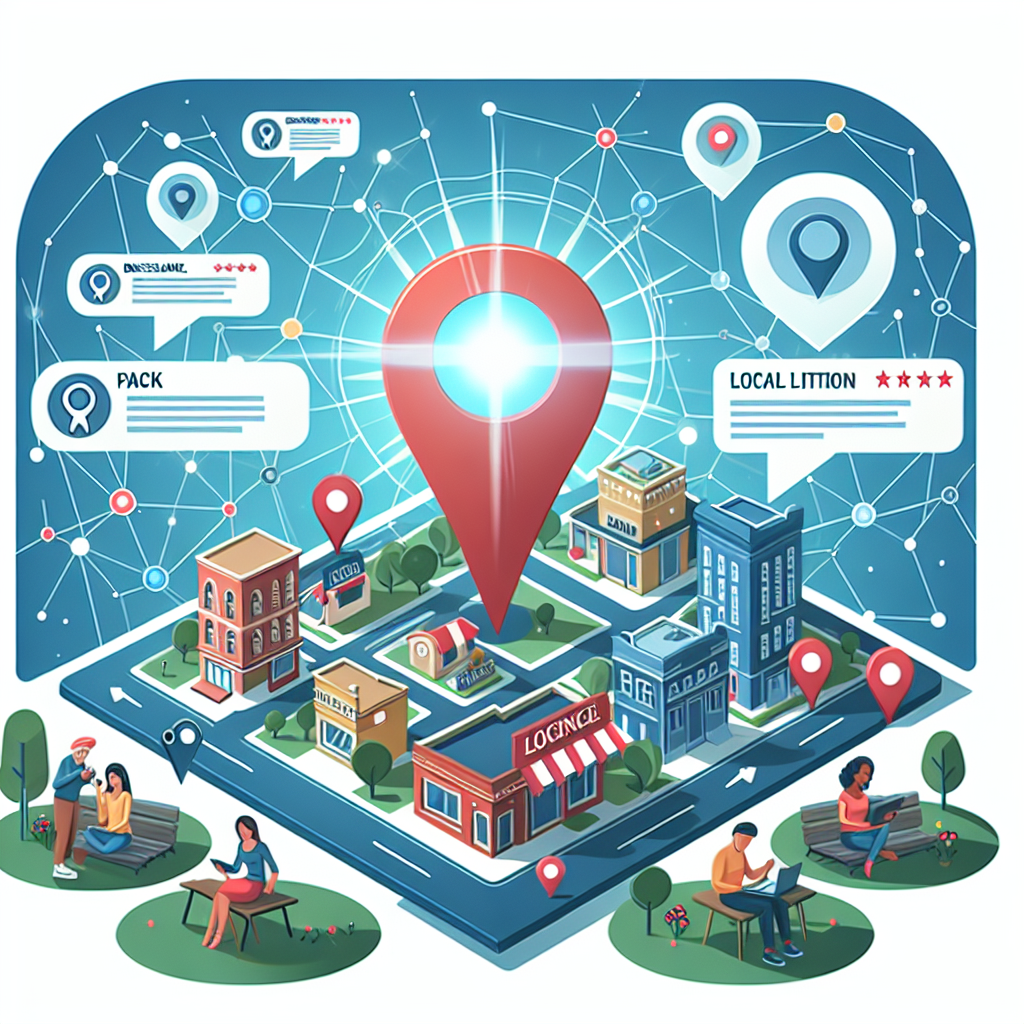
When effectively optimized, your local business Google profile can appear prominently in local search results, Google Maps, and the local pack—those valuable businesses displayed at the top of Google Search results with photos, reviews, and key details. This visibility can drastically influence foot traffic, phone inquiries, and online conversions.
Steps to Effectively Use Google My Business for Local SEO
1. Claim and Complete Your Profile
The first step is claiming your Google Business Profile if you haven’t already. Accuracy is key—ensure all information such as your business name, address, phone number (NAP), website URL, hours of operation, and categories are correct. This foundational work sets the stage for successful Google Business Profile optimization.
2. Use a Consistent NAP Across All Platforms
Consistency in your NAP details across your website, online directories, and social media influences Google’s trust in your data, which influences your local ranking. Keeping this information uniform helps Google connect the dots and rank your profile higher for relevant searches.
3. Incorporate Relevant Keywords
Adding relevant keywords to your business description and services area helps Google associate your profile with those search terms. Focus on keywords that your local customers are searching for, such as “best coffee shop in Downtown” or “affordable plumbing services.”
4. Upload High-Quality Photos and Videos
Visual content enhances your local business Google profile by showcasing your products, interior, exterior, and team. Listings with rich imagery tend to attract more clicks and engagement, which can influence your Google Maps ranking.
5. Gather and Respond to Reviews
Customer reviews are one of the most significant factors in local SEO. Encourage satisfied customers to leave positive feedback, and always respond professionally to all reviews—positive or negative. This demonstrates active engagement and encourages others to trust your business.
6. Post Regular Updates and Offers
Utilize the posting feature to share news, events, special offers, or new products. Regular activity keeps your profile fresh and signals to Google that your business is active.
7. Use Google Business Profile Insights
Monitor your profile’s insights to understand customer interactions, popular search queries, and how users find your listing. Use this data to refine your optimization strategies.
How to Optimize Google Maps Listing and Improve Google Maps Ranking
Optimizing your Google Maps listing can dramatically increase your local visibility. Here are specific tips:
– Accurate Location Data: Ensure your address pin is precise. Even minor inaccuracies can prevent your business from appearing in local searches.
– Categorize Correctly: Select the most relevant primary category followed by additional categories that match your services.
– Local Citations: Ensure your business information is consistent across multiple directories and citations, reinforcing your relevance and authority.
– Engage with the Community: Respond to reviews, post updates, and ask for feedback to foster a well-reviewed and active listing.
– Leverage Google Q&A: Provide clear answers to common questions to help prospective customers and improve your profile’s relevance.
The Impact of Optimized Google Business Profiles on Local Search Results

When done right, Google Business Profile optimization can transform your local SEO strategy. It increases your chances of appearing in the local pack—the prime real estate for local searches—and enhances your visibility in Google Maps results. This optimal positioning means more clicks, higher foot traffic, and increased sales.
Furthermore, an optimized profile builds trust with potential customers. Reviews, photos, and engaging posts create a compelling narrative about your business that encourages local consumers to choose you over competitors.
Final Thoughts: Invest in Your Google Business Profile for Long-Term Success
Effective Google Business Profile optimization is not a one-time task but an ongoing process that requires attention and refinement. As local search algorithms evolve, staying current with best practices ensures your business remains visible and competitive.
By harnessing the power of Google My Business for local SEO, you can optimize Google Maps listing effectively—making your business not just a place on the map, but a top choice for local customers. In a crowded digital marketplace, your Google Business Profile is your storefront—keep it polished, updated, and authentic to unlock long-term growth.