Google Business Profile Optimization: Must-Have Guide to Boost Your Local SEO
- Why Is Google Business Profile Optimization Important?
- How to Optimize Google Maps Listing for Better Local SEO
- 1. Claim and Verify Your Profile
- 2. Complete Every Section
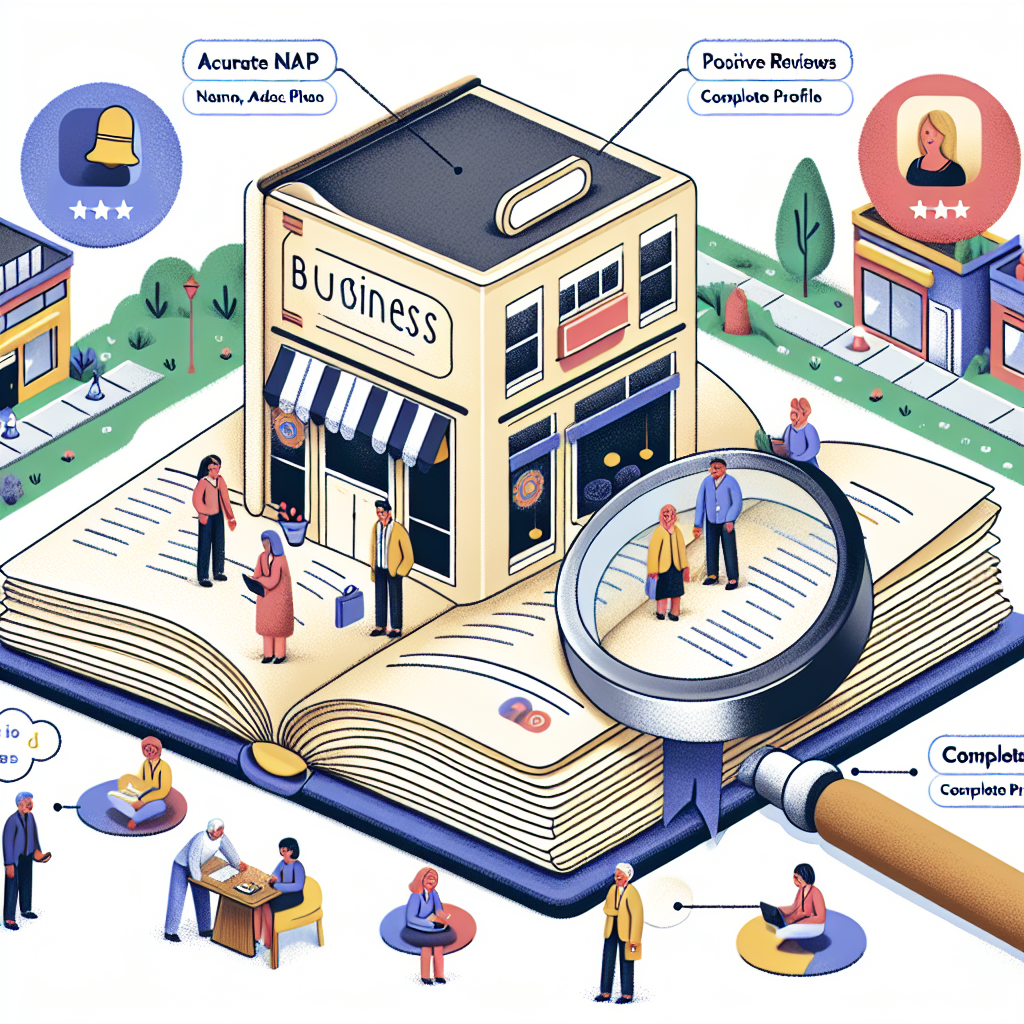
- 3. Use Accurate and Consistent NAP Information
- 4. Add High-Quality Photos and Videos
- 5. Collect and Respond to Reviews
- 6. Use Relevant Keywords
- Practical Tips to Improve Google Maps Ranking
- a. Local Citations and Backlinks
- b. Post Regular Updates
- c. Use Google Q&A Effectively
- d. Leverage Google Insights
- Final Thoughts
Google Business Profile Optimization: Must-Have Guide to Boost Your Local SEO
In today’s digital age, having a strong online presence is essential for any local business seeking to attract more customers. This is where Google Business Profile optimization comes into play. It’s a crucial tactic that can elevate your visibility on Google Search and Maps, making it easier for potential customers to find and choose your business. If you’re wondering how to effectively leverage this tool, read on for a comprehensive guide on boosting your local SEO through optimizing your Google Business Profile.
Why Is Google Business Profile Optimization Important?
Google Business Profile (formerly known as Google My Business) is a free platform provided by Google that allows businesses to manage their online presence across Google Search and Maps. When optimized correctly, your profile can appear in local packs, map listings, and organic search results, significantly increasing your chances of attracting nearby customers.
The importance of Google Business Profile optimization cannot be overstated, especially since users often rely on local searches for finding products and services — whether it’s “restaurants near me,” “plumbers in downtown,” or “hardware stores that open early.” An optimized profile not only improves visibility but also enhances credibility and trustworthiness in the eyes of prospective clients.
—
How to Optimize Google Maps Listing for Better Local SEO
Optimizing your Google Maps listing is a cornerstone of local SEO strategy. Here are key steps to improve your local business Google profile:
1. Claim and Verify Your Profile
The first step is claiming your business profile on Google. Once claimed, you need to verify your ownership—often via postcard, phone, or email. Verification confirms authenticity and allows you to make necessary updates.
2. Complete Every Section
A fully filled-out profile provides Google’s algorithms with ample information, increasing your chances of appearing in local searches. Be sure to include:
– Business name
– Address
– Phone number
– Website URL
– Operating hours
– Business categories
– Description with relevant keywords
3. Use Accurate and Consistent NAP Information
NAP (Name, Address, Phone number) consistency across all online platforms signals trustworthiness to Google. Inaccurate or inconsistent details can hurt your Google Maps ranking.
4. Add High-Quality Photos and Videos
Visual content is powerful. Upload professional photos of your storefront, products, or services, and even videos if possible. Engaging visuals help attract more clicks and interactions, which can positively impact your local ranking.
5. Collect and Respond to Reviews
Customer reviews are pivotal for local SEO. Encourage satisfied customers to leave positive feedback, which enhances your profile’s credibility. Always respond promptly to reviews, especially negative ones, demonstrating excellent customer service.
6. Use Relevant Keywords
While maintaining natural language, incorporate relevant keywords into your business description and posts. This can help Google understand your business better and improve your Google Business Profile optimization efforts.
—
Practical Tips to Improve Google Maps Ranking
Achieving a high ranking on Google Maps is a core goal, and it’s achievable through continuous effort and strategic action:
a. Local Citations and Backlinks
Secure listings on local directories and industry-specific sites. These citations reinforce your business’s legitimacy and authority. Moreover, earning backlinks from reputable sites can improve your overall SEO profile.
b. Post Regular Updates
Google allows posting updates, offers, events, and product info via your profile. Regular activity signals to Google that your business is active and relevant, which can positively influence your ranking.
c. Use Google Q&A Effectively
Monitor and respond to questions posted by users. Proactively addressing common inquiries helps boost engagement and provides additional content rich in keywords.
d. Leverage Google Insights
Google Analytics and Insights provide valuable data about how users find and interact with your profile. Use these insights to refine your profile and marketing strategy.
—
Final Thoughts

Optimizing your Google Business Profile is a vital part of local SEO that can result in more visibility, foot traffic, and ultimately, sales. The process involves meticulous attention to detail—claiming, verifying, completing profiles, managing reviews, and sharing engaging content—all aimed at improving Google Maps ranking and increasing your local presence.
Remember, local SEO isn’t a one-time task; it’s an ongoing process. By consistently maintaining and updating your Google profile, you set your business up for sustained success in local search results, helping you connect with the community and grow your business effectively.
Start optimizing today, and watch your local visibility soar!